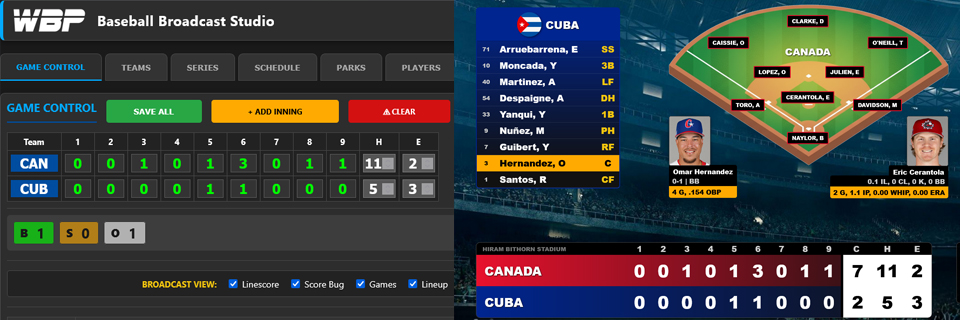
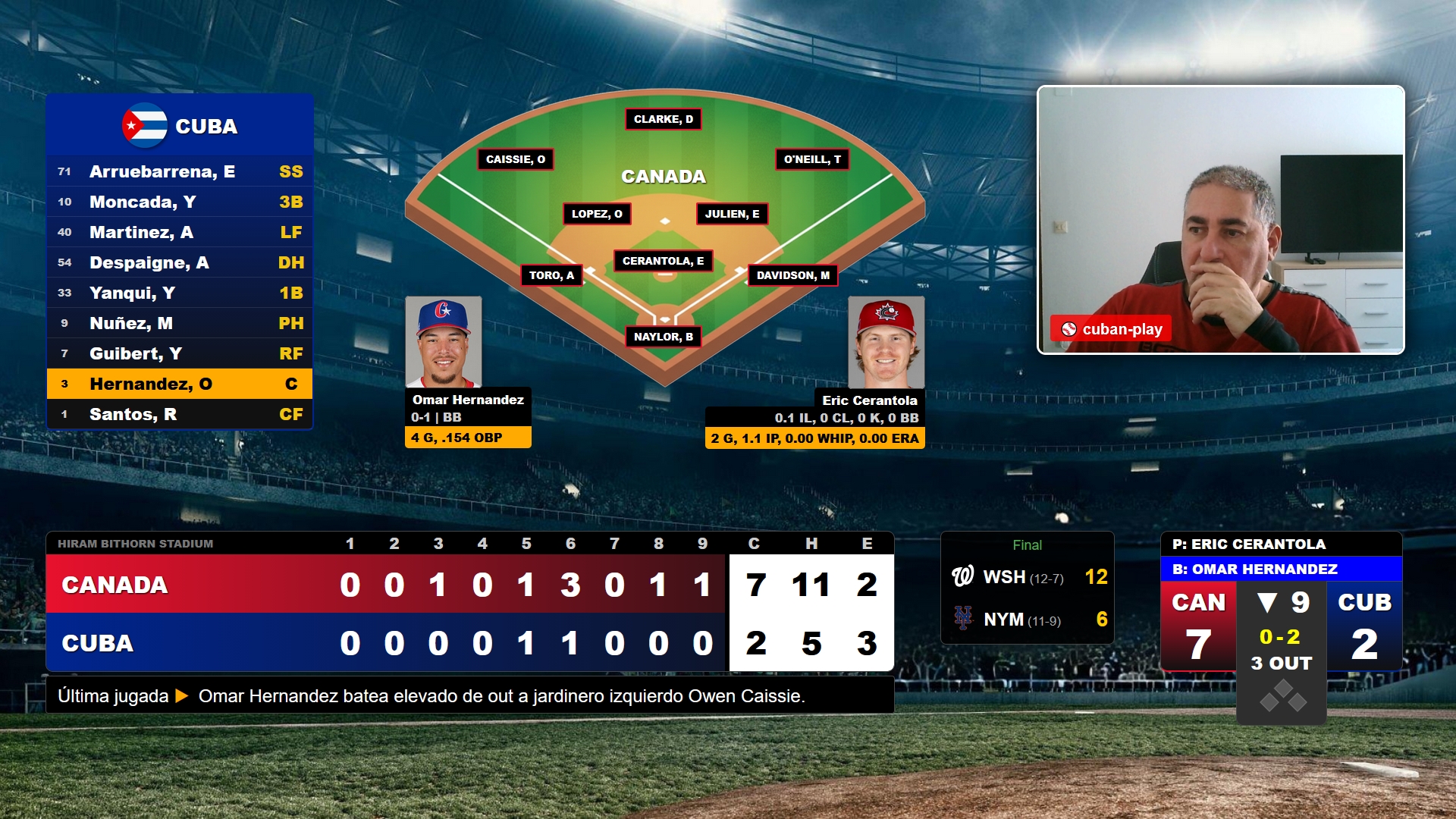
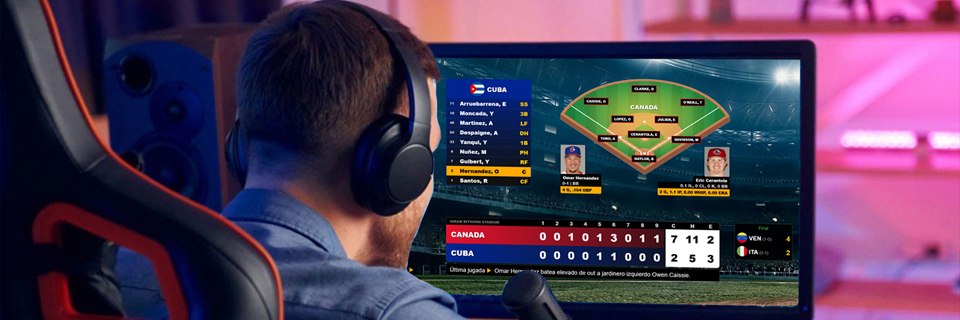
This system allows content creators to narrate and react to live baseball games while displaying on-screen game information. It focuses mainly on MLB, Winter Leagues, Caribbean Series and World Baseball Classic. It automatically shows stats like linescore, lineups and game data updated in real time.
The WBP screen is designed to integrate easily with streaming tools like OBS or Streamyard, so you can share it during your broadcast and offer your audience a clear and professional visual experience.
The system is currently in testing mode, and our goal is to keep improving it together with creators who want to use it for their baseball streams.
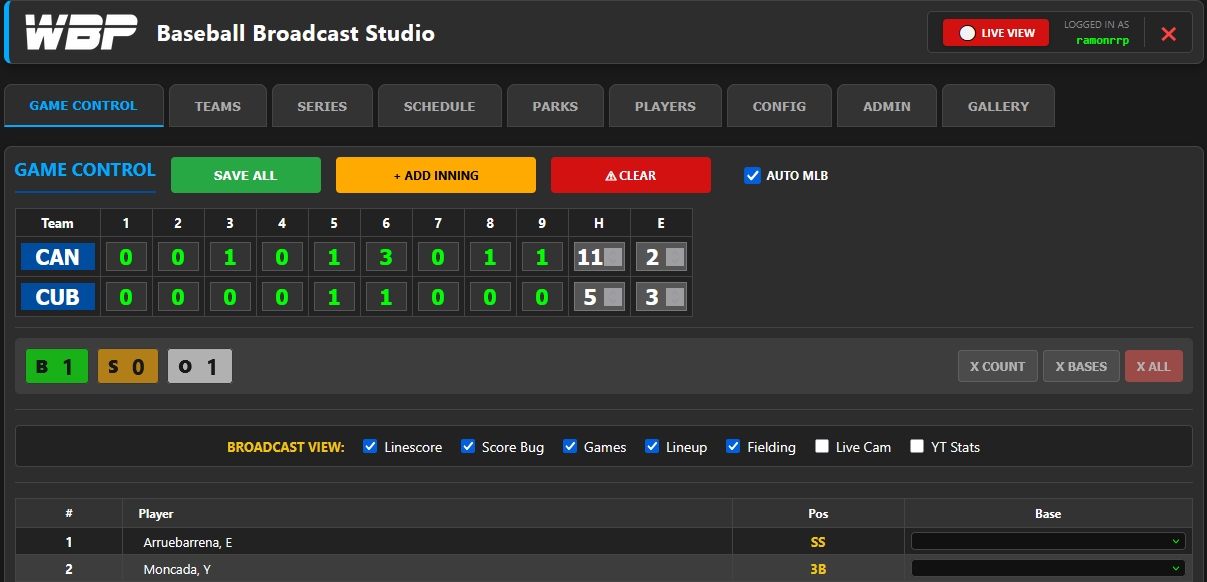
Once you access the system's Control Panel, at the top you have several tabs with multiple options. The first thing to note is the red LIVE VIEW button (top right), which opens the screen you will share.
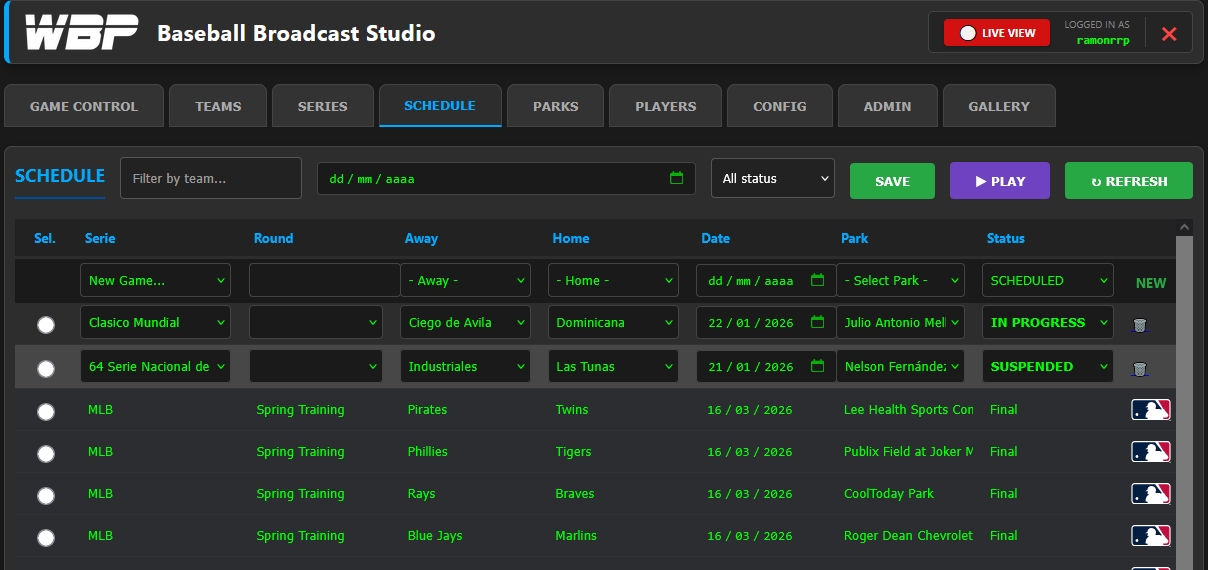
Screen configuration is done in the Panel. If you are going to broadcast an automated game (MLB, Winter Leagues, Caribbean Series, World Baseball Classic) you need to go to the SCHEDULE tab, where the day's games appear. In the calendar above you can select the desired date. On the left (in the white circle, select the desired game and then press the PLAY button.
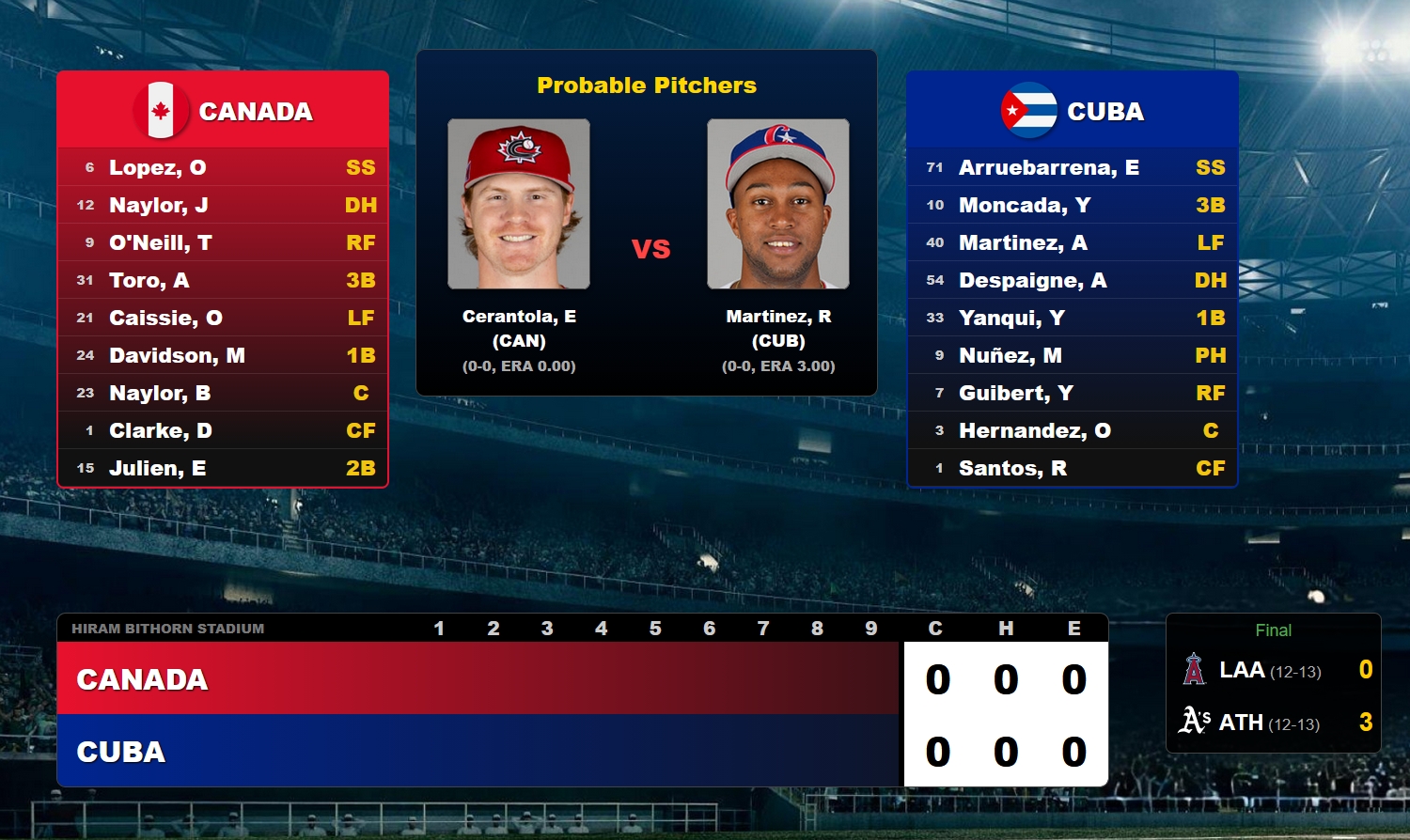
The game can appear on screen in three states:
PREVIEW (before it starts, showing probable pitchers and lineups if available)
LIVE (when the game is in progress)
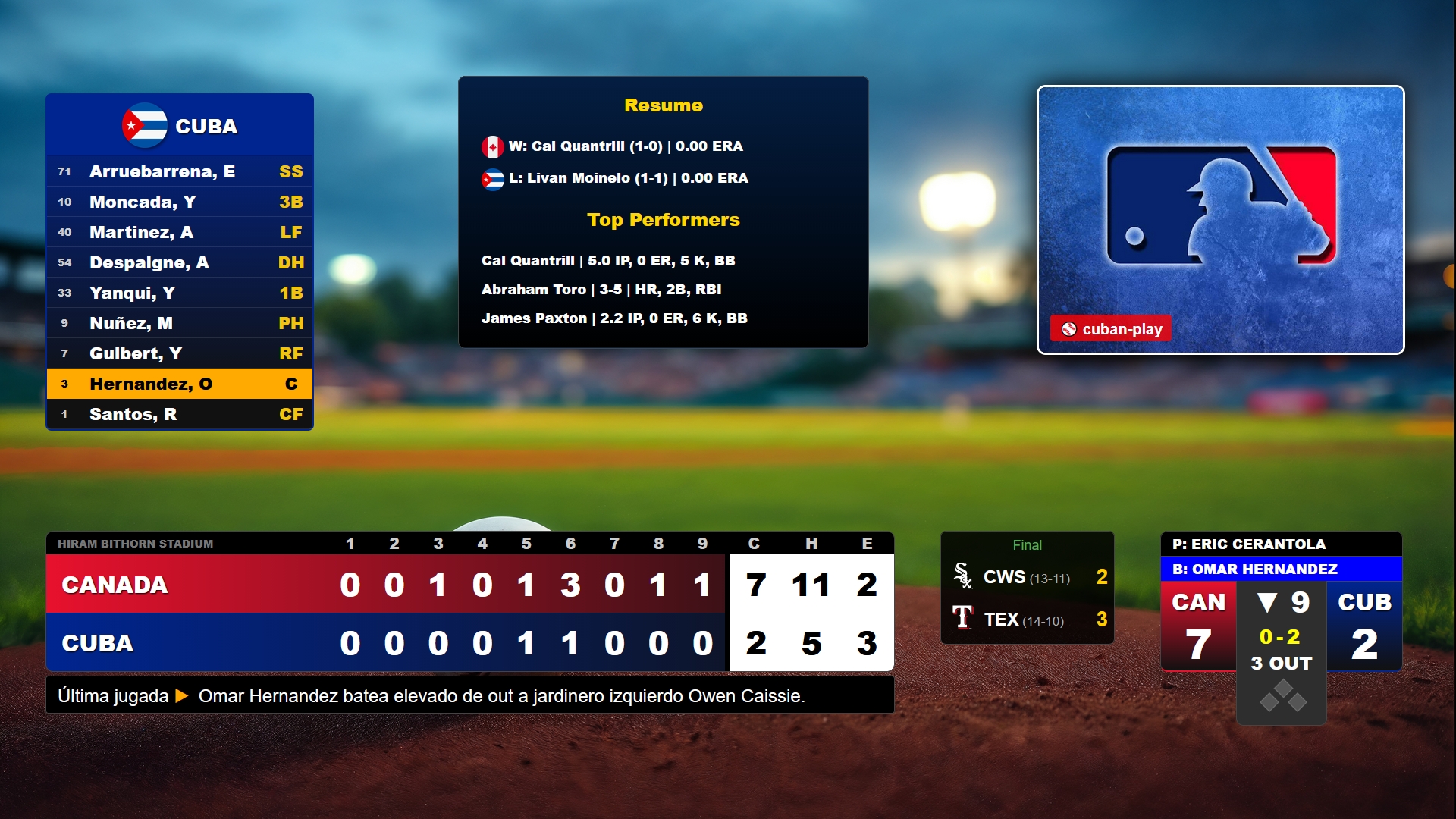
FINAL (when the game ends, showing a summary screen)
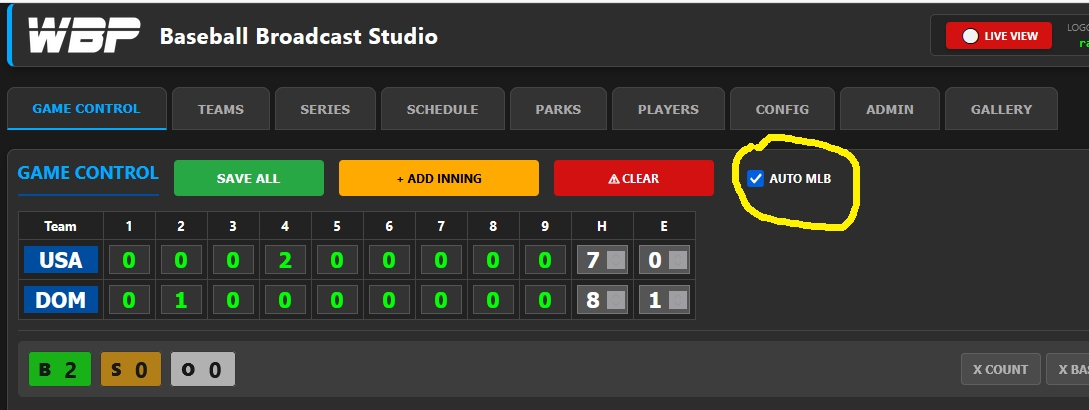
For an automatically updating game, in the GAME CONTROL tab we recommend that the AUTO MLB checkbox be activated.
Below the scoreboard, where it says BROADCAST VIEW, you can control the different modules that appear on screen. When activating or deactivating any of these options, you must click the green SAVE ALL button for the changes to be reflected on screen.
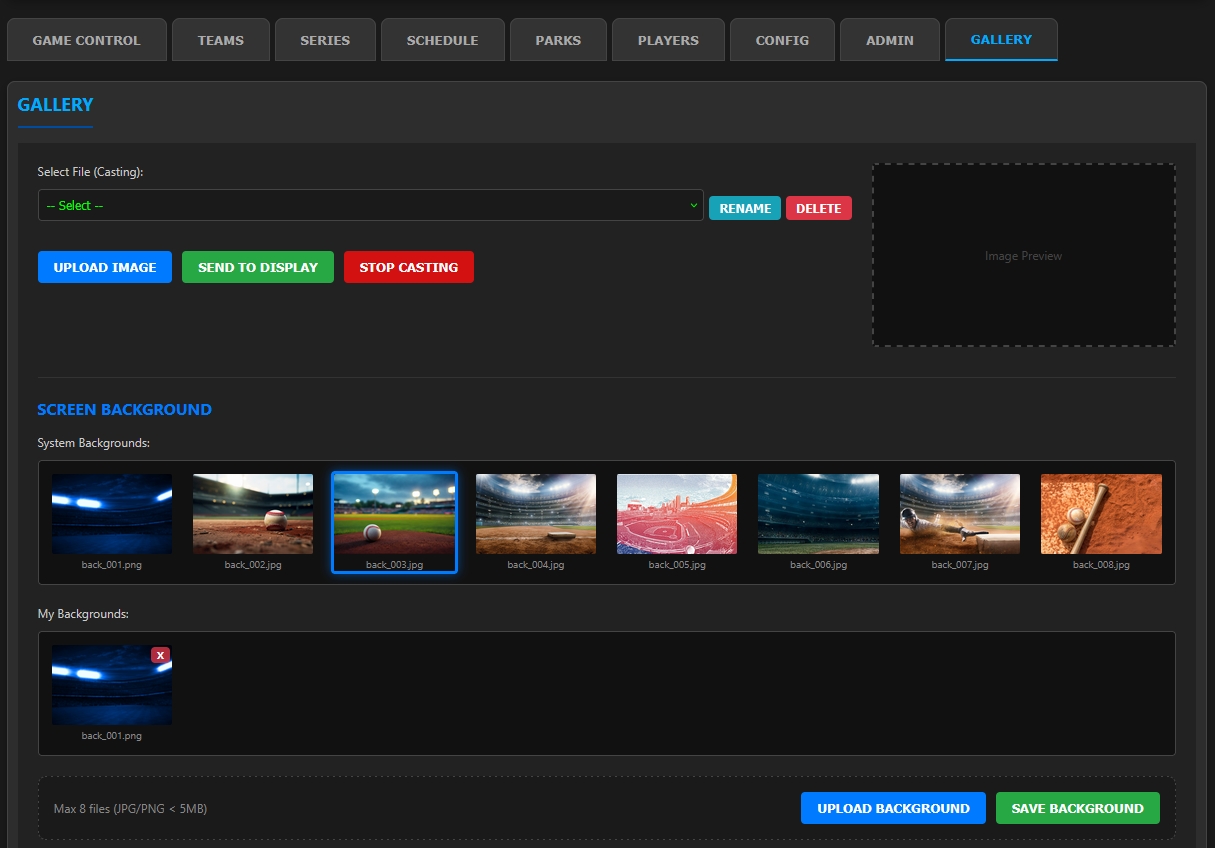
In the GALLERY tab, among other features, you can change the background to one of eight available, and also add a custom one with the blue UPLOAD BACKGROUND button. Once you have selected the background, change it with SAVE BACKGROUND.
This is just a brief explanation; tutorial videos on the different system modules will be made later. It also has a manual variant for tournaments that are not automated.